
Complete plan
More Google reviews, one tap per job.
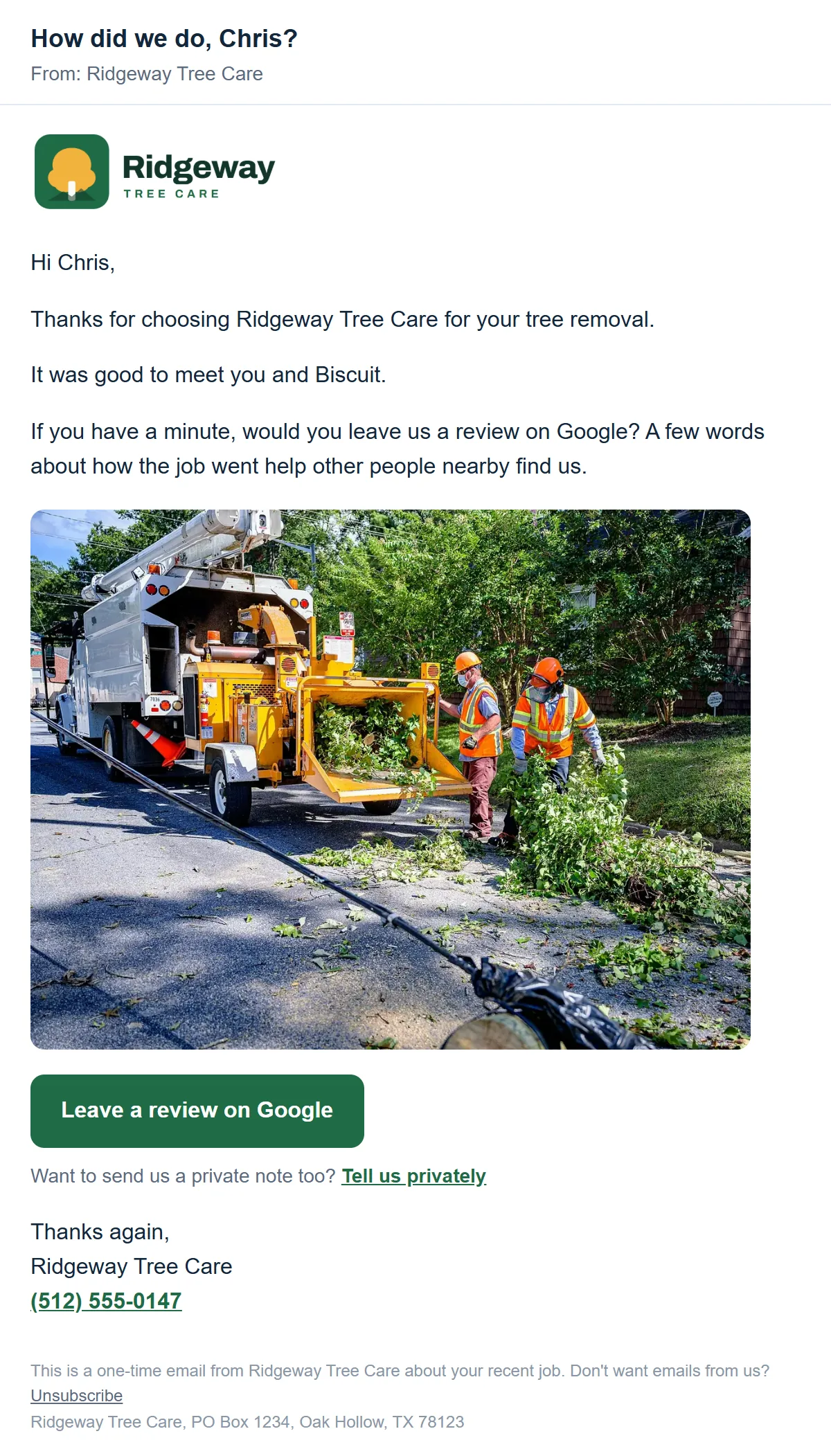
When a job is done, tap Ask for a review in the quote email. Your customer gets a short thank-you from your business with a button straight to your Google reviews.
How it works
Three steps, start to finish.
A customer asks for a quote
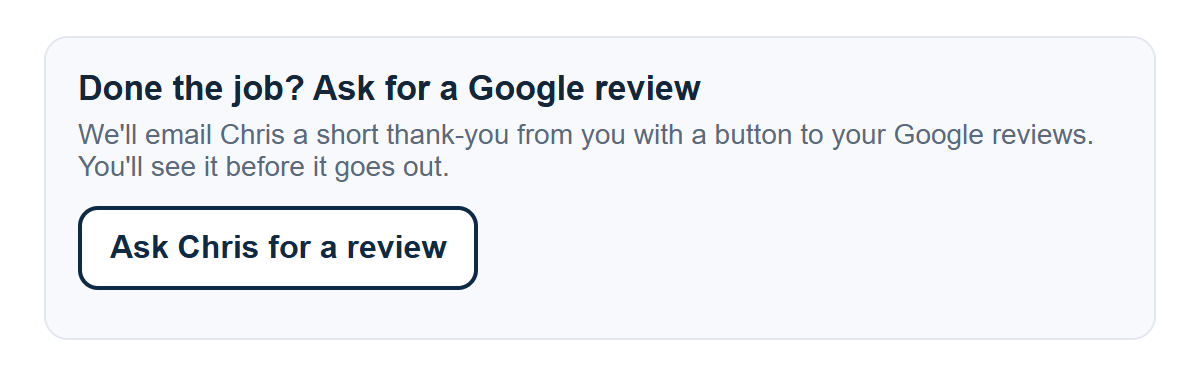
Their request email has an Ask for a review button, ready for later.
You finish the job and tap
You see the email first, and can add a line or a photo.
They leave a review
One email from your business, with a button to your Google reviews.
No review gating
Every customer gets the same email.
Some review tools ask for a star rating first, then send only the happy customers to Google and the rest to a private form. That's called review gating, and Google's rules ban it. When it's caught, Google can remove your reviews, often many at once, and restrict or suspend your listing.
Review gating
- Asks for a star rating first
- Only 5-star customers see Google
- Unhappy ones get a private form
- Against Google's review rules
Our review requests
- No rating step, just a thank-you
- Every customer gets the Google button
- Everyone gets a private note link
- Built to follow Google's rules
Good to know
The details.
- Customers who called can be asked from your CSK Sites page
- Each customer is asked once a year at most
- Every email has a Tell us privately link, under the Google button
- Every email has an unsubscribe link
- We follow Google's rules: no gating and no rewards
Comes with Complete, $297 a month. Basic owners can switch any time from their billing page. See pricing
Works well with
More ways to bring in work.
See it first
We build your website before you pay.
With your own photos, reviews and details. Look it over on your phone, then pick a plan only if you like it.